Introduction
AL CustomerMetaSync adds an Onboarding Form to your Shopify login flow, allowing you to collect customer data immediately after sign-in, including phone numbers, SMS opt-in consent, birthday, gender, and custom metafield values. It supports logins through OTP, Shop Login, Google, and Facebook.
In addition to the onboarding flow, the app lets you continue collecting and updating customer metafields through forms embedded on the Profile, Thank you, and Order status pages. This gives you multiple high-intent touchpoints to gather customer data across the storefront journey.
AL CustomerMetaSync is compatible with Customer accounts (Recommended) and the Upgraded Thank You and Order status Page. All submitted data is synced directly to Shopify customer records, and can be used with Shopify Flow to automate workflows and support retention and SMS marketing initiatives.
This page provides an overview of AL CustomerMetaSync, including prerequisites, usage requirements, app installation, and the core ways the app collects and syncs customer data.
App Installation
You can install the app from the link below:
AL CustomerMetaSync SMS & Forms
Click the Install button.
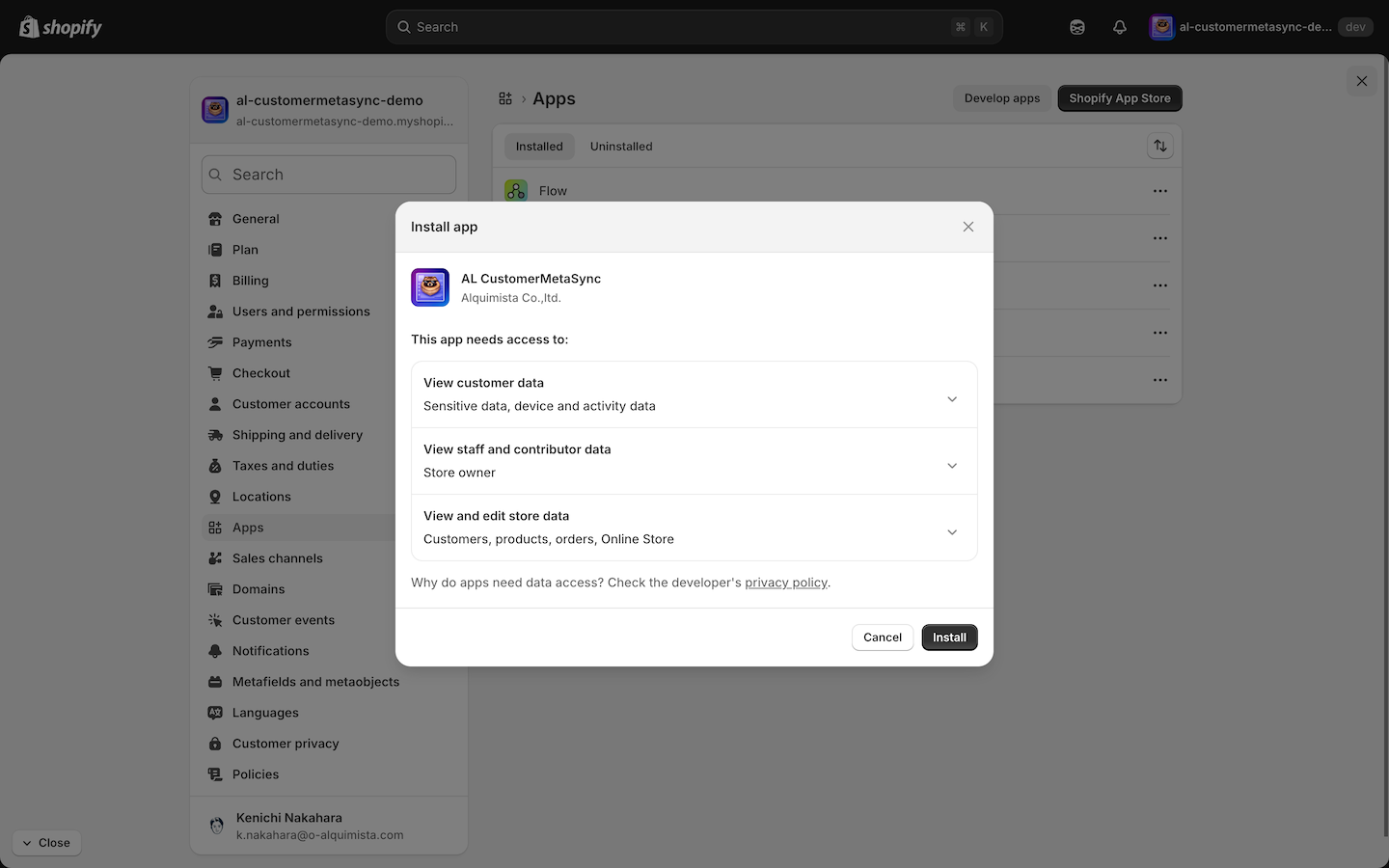
Before You Install
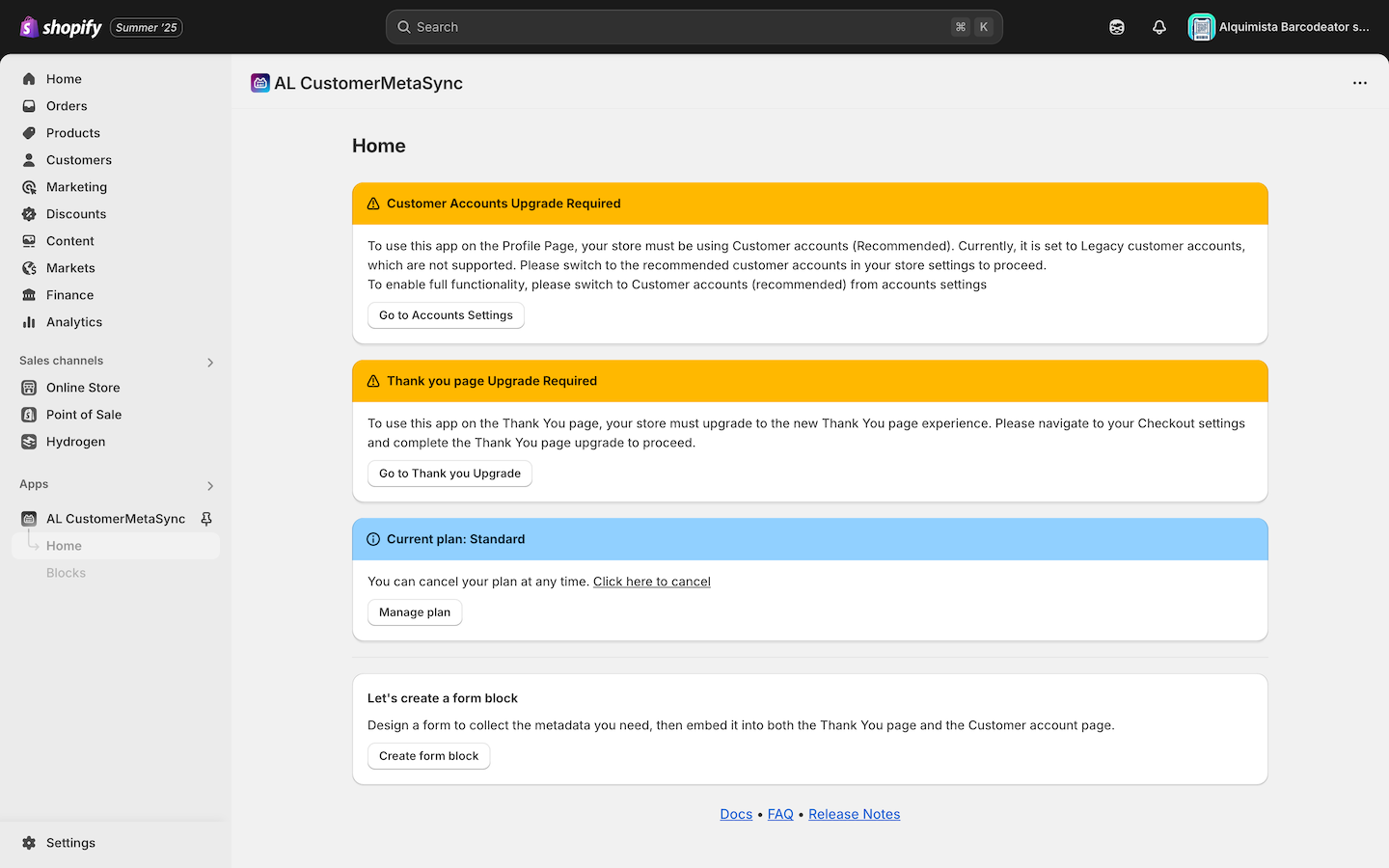
To use AL CustomerMetaSync, you must switch your store's customer account setting to Customer accounts (Recommended) and enable the Upgraded Thank you and Order status Page.
Important: This app does not support Legacy customer accounts or non-upgraded Thank You Pages.
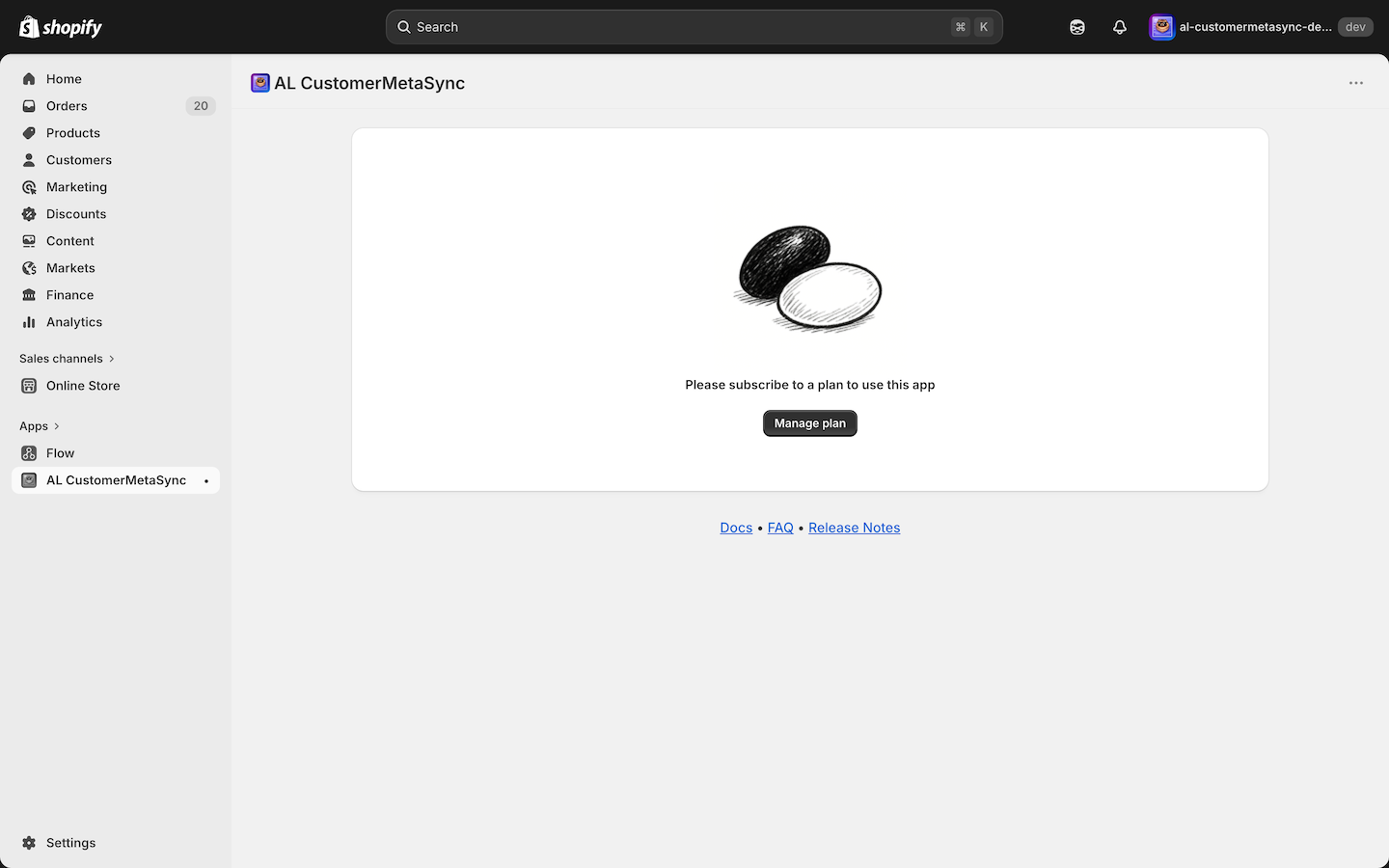
Start by selecting and approving a plan via the "Manage plan" button.
The app includes a 7-day free trial — feel free to explore!
For Shopify Partners, this is a Partner-Friendly App, so installation is free for dev stores.
Getting Started
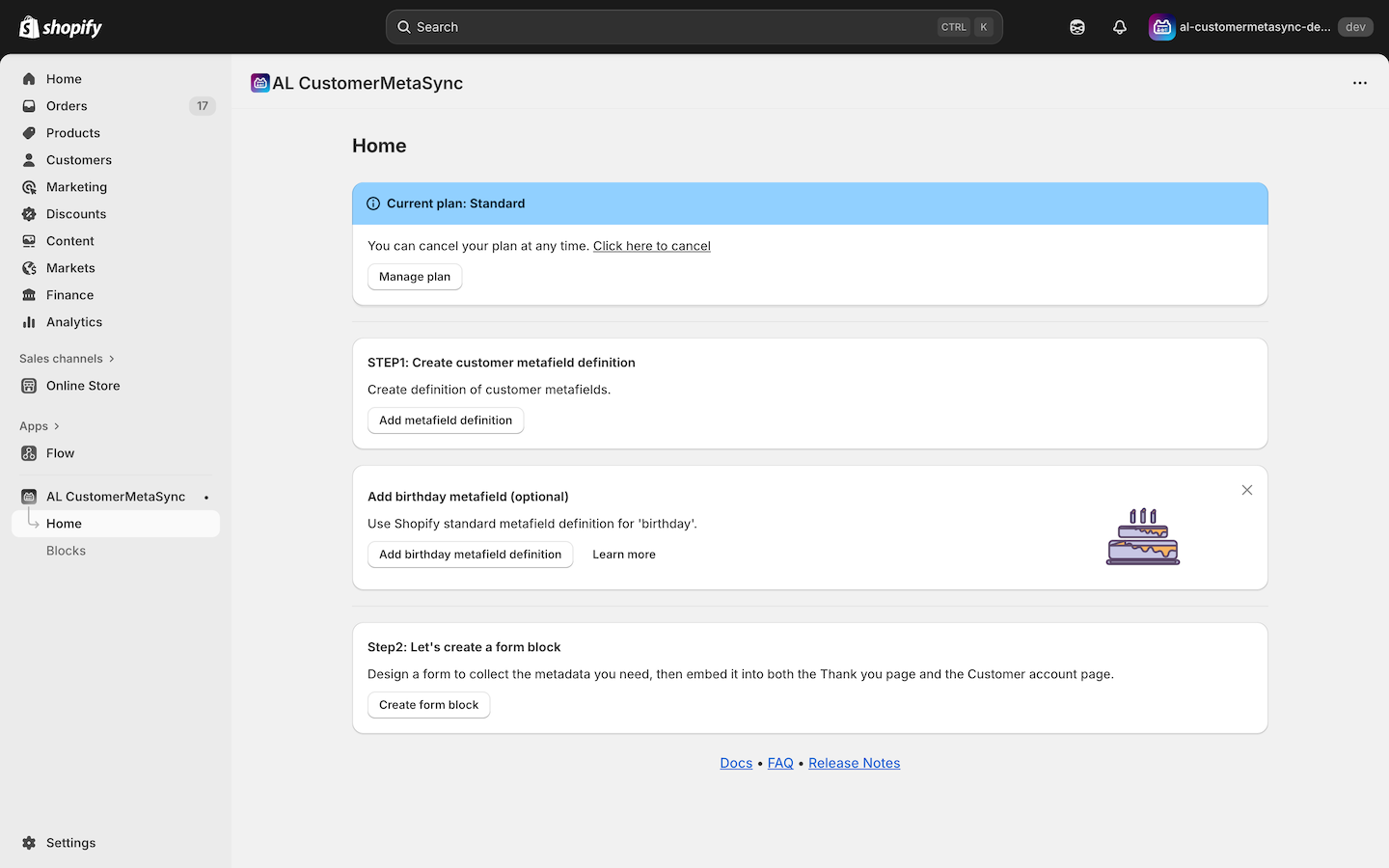
Once installed, click the "Create form block" button to begin setting up your first form.
Notes
If you are using Legacy customer accounts or have not upgraded the Thank you and Order status page, an warning message will be displayed like the one below.
In the next step, we’ll walk you through the initial configuration